


Description

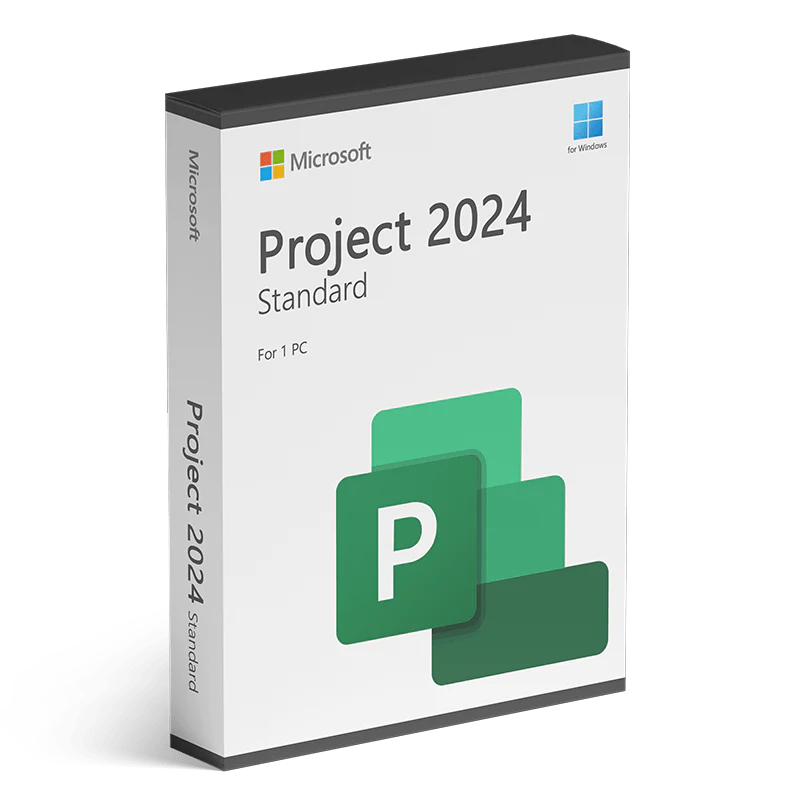
Optimice sus proyectos con Microsoft Project 2024 Standard
Microsoft Project 2024 Standard es la solución definitiva para la gestión de proyectos para profesionales que buscan planificar, ejecutar y gestionar proyectos fácilmente. Disponible ya en SoftwareDiscountUSA, su proveedor de confianza de software original, esta última versión ofrece funciones mejoradas y herramientas intuitivas para una gestión de proyectos fluida.
Desde tareas de pequeña escala hasta proyectos grandes y complejos, Microsoft Project 2024 garantiza que se mantenga organizado y encaminado en cada paso del camino.
Novedades y mejoras en Microsoft Project 2024
Gestionar proyectos eficazmente requiere herramientas potentes e intuitivas. Microsoft Project 2024 Standard ofrece precisamente eso, ofreciendo funciones de vanguardia para simplificar el flujo de trabajo y aumentar la productividad.
Con diagramas de Gantt avanzados y automatización basada en IA, esta versión te ayuda a gestionar múltiples proyectos, cumplir plazos y lograr resultados excepcionales. Las herramientas mejoradas de colaboración e informes garantizan que tu equipo se mantenga coordinado y que las partes interesadas se mantengan informadas, lo que convierte a Microsoft Project 2024 en una opción esencial para el éxito de tus proyectos.
Invertir en Microsoft Project 2024 Standard significa elegir una solución preparada para el futuro que hace que la gestión de proyectos sea más inteligente y eficiente. ¡Mejora tu flujo de trabajo hoy mismo!
Análisis robusto de recursos
Compare los recursos con los datos estándar y pronostique la utilización prevista. Los informes integrados le permiten supervisar el progreso y abordar y resolver problemas.

Mapas de calor visuales
-
Vea cómo se utilizan los recursos con un mapa de calor de capacidad. Identifique rápidamente los recursos sobreutilizados e infrautilizados para optimizar las asignaciones.
Informes en tiempo real
-
Realice un seguimiento del éxito del proyecto de forma visual y dinámica utilizando informes listos para usar del paquete de contenido PPM para Power BI para obtener información rápida y detalles.


Informes listos para usar
-
Comparta informes para que todos en su organización estén al tanto. Los informes incluyen todo, desde gráficos de evolución hasta estados financieros.
Features
New and Improved Microsoft Project 2024 Standard Features
Microsoft Project 2024 helps you keep your projects organized and on track with tools that make it easy to get started, quickly plan, and complete projects on time and on budget. Built-in templates and familiar scheduling tools help project managers and teams stay productive.
Enhanced Gantt Chart Tools
- The Gantt chart in Microsoft Project 2024 has been enhanced for a clearer and more detailed view of task dependencies, critical paths, and overall project progress. These improvements help you stay on top of timelines and ensure no deadlines are missed.
- The upgraded drag-and-drop interface simplifies schedule adjustments, giving you greater control and flexibility over your project plans.
AI-Powered Task Automation
- Streamline your workflow with the new AI-powered features in Microsoft Project 2024 Standard. These intelligent automation tools identify repetitive tasks and suggest optimizations, saving you time and reducing manual errors.
- Let the software handle routine actions, so you can concentrate on the critical aspects of your project.
Advanced Timeline Views
- Microsoft Project 2024 brings multiple timeline views, enabling you to monitor various project stages simultaneously. Ideal for managing large projects, this feature helps you track milestones, deliverables, and sub-projects with ease. Customizable timelines ensure you can tailor the view to suit your specific needs.
Improved Reporting Tools
- With the enhanced reporting features in Microsoft Project 2024, creating detailed and customizable reports has never been easier. Whether tracking progress, resources, or risks, the updated tools let you generate dynamic reports in just a few clicks. Share these reports with stakeholders to keep them informed and assured of your project's success.
Effective Project planning
Familiar scheduling features like Gantt charts and prepopulated pulldown menus help reduce training time and simplify the project planning process.

Use multiple timelines
Quickly view all project activities, from tasks to upcoming milestones. Customize timelines to represent specific data and easily share them with project stakeholders.
Evaluate project proposals
Microsoft Project helps your organization capture and evaluate project ideas from anywhere within the organization, through a standardized process that feeds detailed business cases and project charters to management for review.
Optimize tasks
Visualization tools help you understand how tasks relate to one another. And by running what-if scenarios, you can make the most of your task assignments. Task path highlighting in Gantt charts helps you understand relationships among tasks and identify which are the most critical to the project’s success.
Get started fast
Built-in, customizable templates use industry best practices to help you get started on the right path—so there’s no need to create project plans from scratch.Collaboration
Integrated collaboration solution

Skype for Business
Integrated communication tools like Skype for Business (sold separately) make it easy to collaborate using voice, video, or chat within Project, eliminating the need to switch between apps.
Office applications
Easily copy project information from Project and paste it into Office applications like PowerPoint and Word.
OneDrive
You can also store project artifacts in OneDrive.System requirements
ordenador personal
- Procesador : 1,6 GHz o más rápido, procesador de 2 núcleos.
- Memoria/RAM : 4 GB o más para sistemas de 64 bits; 2 GB o más para sistemas de 32 bits.
- Disco duro : se requiere un mínimo de 4 GB de espacio disponible en el disco duro de instalación.
- Sistema operativo : se requiere Windows 10 o Windows 11 para las aplicaciones de Office 2021.
- Gráficos : La aceleración de hardware de gráficos requiere DirectX 9 o posterior, con WDDM 2.0 o superior en Windows 10.
- Versión .NET : algunas funciones pueden requerir que también esté instalado .NET 3.5 o 4.6 y superior.
- Otros requisitos :
Otros requisitos
- La funcionalidad de Internet requiere una conexión a Internet.
- Es posible que se requiera una cuenta Microsoft.
- Se requiere un dispositivo táctil para utilizar cualquier funcionalidad multitáctil.
- La funcionalidad y los gráficos de las aplicaciones incluidas pueden variar según su sistema.
Compare Editions
Microsoft Project 2024 Standard
- 1 PC/1 persona
- Descarga única
- Licencia de por vida
- Atención al cliente 24/7/365
- Uso comercial y personal
NOTA: Skype for Business se vende por separado. Office, incluidos PowerPoint y Word, se venden por separado
SELECCIONAR SISTEMA OPERATIVO
One-time payment
No software subscription
Not sure it’s the right fit? ask us.
Not sure which edition?
Pick by how you’ll use it.

