

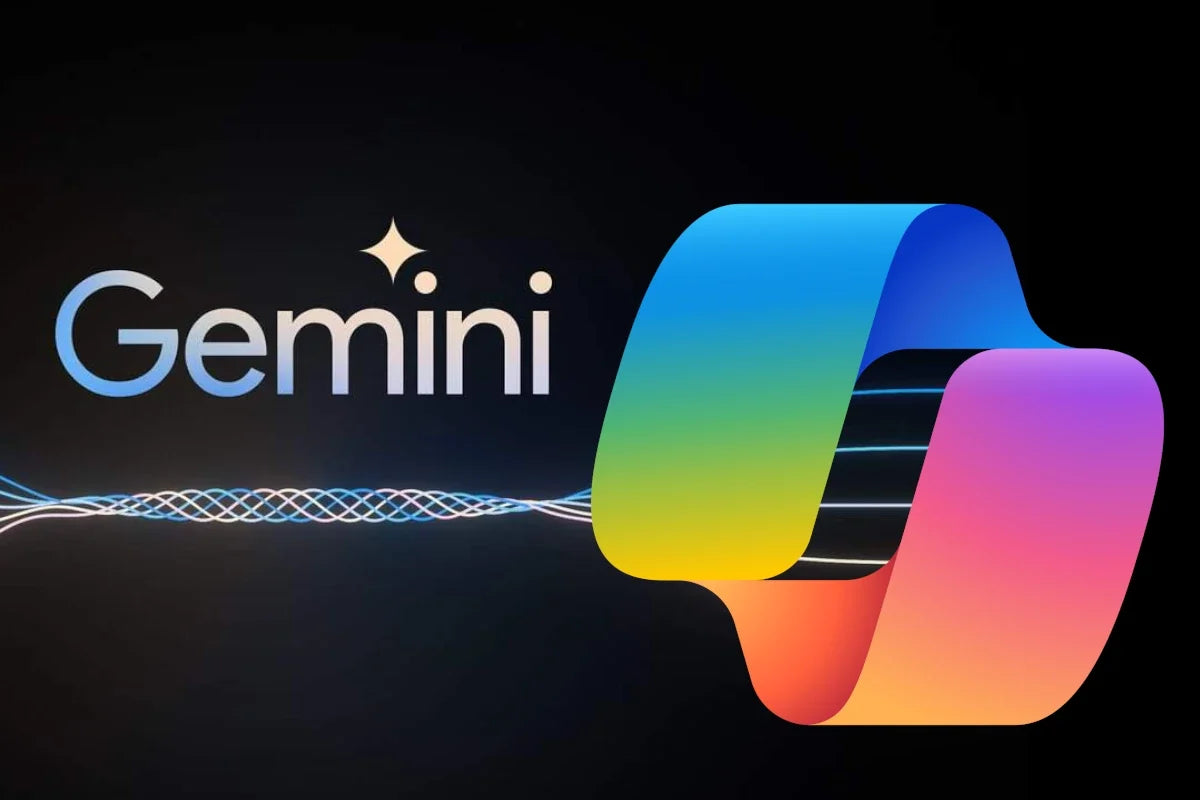
Combining the Power of Gemini Enterprise with Microsoft 365
For years, businesses treated Google's ecosystem and Microsoft's ecosystem as two separate worlds — you picked one and built your workflow around it. That divide is disappearing. With Gemini Enterprise now capable of working alongside Microsoft 365, teams can combine Google's AI reasoning with the Office apps, file formats, and collaboration tools they already depend on. This guide walks through why that combination matters, how it works in practice, what to watch out for, and how to make sure your Microsoft 365 licensing is set up correctly to support it.
What Is Gemini Enterprise?
Gemini Enterprise is Google's business-focused version of its Gemini AI models, built for organizations rather than individual consumers. It's designed to handle research, summarization, data analysis, coding assistance, and content generation at scale, with the security, admin controls, and data governance that businesses expect. Unlike the free consumer version of Gemini, the enterprise edition is built to plug into company workflows rather than stand alone.
What Is Microsoft 365?
Microsoft 365 (formerly Office 365) is Microsoft's subscription suite covering Word, Excel, PowerPoint, Outlook, Teams, OneDrive, and related cloud services. It remains the most widely used productivity platform in the corporate world, largely because of its deep formatting control, offline capability, and enterprise-grade security and compliance tools. Most organizations already have some tier of Microsoft 365 in place, which makes it a natural anchor point for any new AI tool being introduced.
Why Combine Gemini AI with Office 365 Instead of Choosing One?
Google Gemini and Microsoft 365 aren't direct competitors in the way people often assume — they solve different parts of the same problem. Gemini AI is strongest at reasoning through large amounts of unstructured information, generating first drafts, and analyzing data quickly. Microsoft 365 is strongest at producing polished, shareable, professional output that colleagues and clients expect to receive as a Word document, Excel workbook, or PowerPoint deck.
Rather than forcing a team to abandon Office 365 for an all-Google workflow (or vice versa), combining both lets each platform do what it's best at. This is especially useful for intermediate users — people who are already comfortable navigating Word, Excel, and Outlook, and are now being asked to incorporate AI tools without slowing down their existing habits.
Practical Ways to Use Both Platforms Together
- Document summarization: Feed long Word documents, PDFs, or reports into Gemini AI to get a fast summary before doing detailed edits in Word
- Email drafting: Use Gemini to generate a first draft or outline, then finalize tone and formatting in Outlook
- Data analysis: Run complex analysis or pattern-finding in Gemini on large datasets, then bring the cleaned results into Excel for formulas, pivot tables, and charts
- Presentation research: Use Gemini to research a topic and draft talking points, then build the actual slide deck in PowerPoint using your company template
- Meeting preparation: Generate agendas or briefing notes in Gemini, then distribute them through Teams or Outlook calendar invites
- Cross-platform reporting: Combine data pulled from Google Workspace tools with reports and dashboards built in Microsoft 365
How to Set Up Gemini Enterprise Alongside Microsoft 365
Rolling out a combined workflow doesn't need to be complicated, but it does benefit from a bit of planning:
- Audit your licenses first. Confirm your organization has active, genuine Microsoft 365 licenses covering the apps your team actually uses — Business Standard, Business Premium, or Apps for Enterprise, depending on your size and needs
- Enable Gemini Enterprise access for the specific employees or departments who will benefit most, rather than rolling it out company-wide on day one
- Define a clear workflow. Decide, for example, that research and first drafts happen in Gemini, while final formatting, review, and distribution happen in Microsoft 365
- Pilot with one team before expanding company-wide, so you can catch formatting or process issues early
- Train employees on where each tool adds the most value, so people aren't duplicating effort by doing the same task in both platforms
Security and Compliance Considerations
Running two ecosystems side by side means managing two separate identity and access systems, so IT teams should pay close attention to a few things:
- Keep Microsoft 365 licenses genuine and current — unlicensed or outdated software is a common source of security gaps
- Set clear data-handling policies for what information can be shared with AI tools like Gemini, especially for regulated industries
- Use admin controls on both platforms to manage who has access to AI features versus standard productivity apps
- Review file-sharing permissions regularly, since documents may now move between Google and Microsoft environments more often
Common Challenges to Plan For
Combining two ecosystems is not entirely frictionless. A few things are worth planning around before a full rollout:
- Formatting shifts: Files moving between Google Docs/Sheets and Word/Excel can experience minor formatting changes
- Workflow overlap: Without clear guidance, employees may duplicate work by doing the same task in both platforms
- Tool fatigue: Introducing a second major platform on top of Microsoft 365 can feel like "one more tool" if it isn't clearly tied to time savings
- Access management complexity: IT teams need a clear process for provisioning and revoking access across two systems
None of these are dealbreakers. They're simply the kind of practical details that make a rollout smoother when addressed early rather than after adoption has already started.
Get Genuine Microsoft 365 Licenses
Before combining Gemini Enterprise with Microsoft 365, make sure the Microsoft side of your stack is properly licensed. SoftwareDiscountUSA.com offers genuine Microsoft 365 licenses at discounted prices, with fast digital delivery and live support:
- Microsoft 365 Business Premium – 1 Year — full Office suite with advanced security and admin controls for growing teams
- Microsoft 365 Apps for Enterprise – 1 Year — Office apps built for larger organizations with 24/7 business-class support
- Microsoft 365 Family – 1 Year License — Office apps and cloud storage for households or small teams
- Browse all Office 365 Plans — compare every available Microsoft 365 tier in one place
Final Thoughts
Combining Gemini Enterprise with Microsoft 365 isn't about replacing one platform with another — it's about using each tool where it's genuinely strongest. Gemini AI accelerates research, summarization, and analysis; Microsoft 365 turns that work into polished, professional output your organization already knows how to produce and share. Whether you're an intermediate user just starting to explore Gemini AI or an IT lead planning a wider rollout, the best approach is to start small: pick one workflow, like research-to-report or data-to-presentation, prove out the time savings, and expand from there once your team sees the results firsthand.